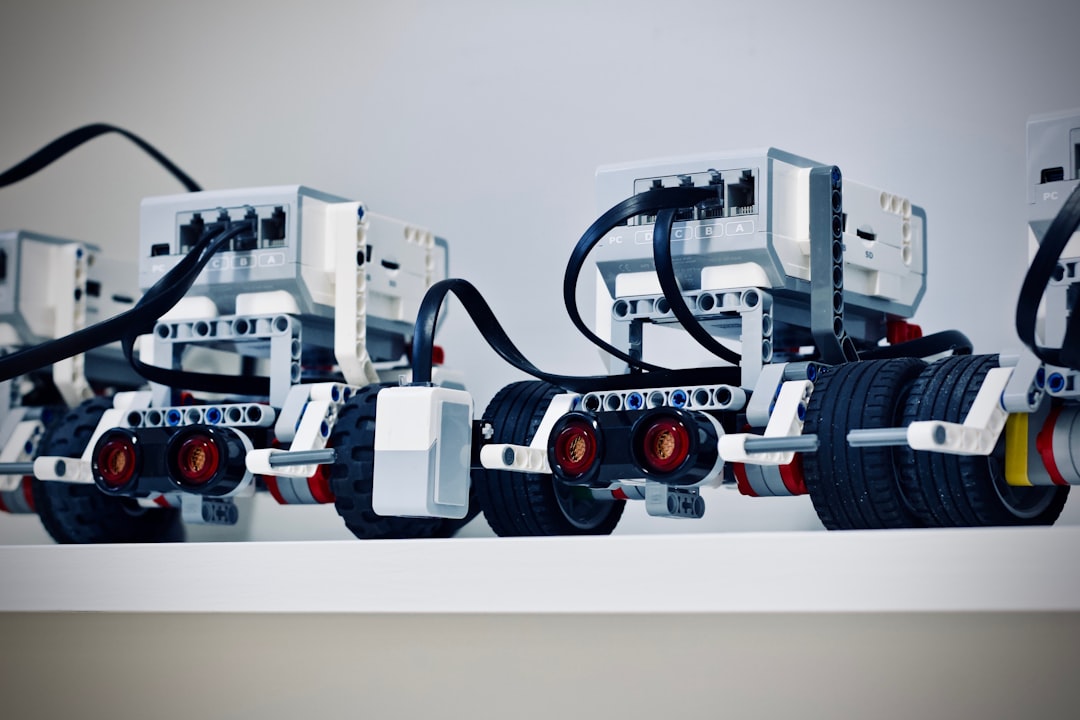
Choosing your first robotics kit can feel overwhelming: there are different controllers, sensors, languages, and assembly styles. For an absolute beginner, the right kit should teach fundamentals without creating frustration. Focus on clarity, hands-on learning, and materials that match your interests.
This guide walks you through the practical factors to weigh, recommends the types of kits to consider, and gives a checklist you can use when comparing options. By the end you’ll know how to pick a starter robotics kit that keeps you motivated and makes learning easier.
Define your goals and timeline
Start by asking what you want to learn: basic electronics and circuits, programming logic, mechanics and design, or all three. If your goal is straightforward robot-building projects and guided lessons, a ready-made project kit aimed at beginners is best. For example, the Butterfly EduFields 70+ STEM Robotic Projects Kit is built around project-based learning that gradually increases complexity, which is ideal when you want clear milestones and instant wins.
Microcontroller vs. single-board computer: pick the right brain
Robotics kits typically use one of two compute platforms: simple microcontrollers (Arduino-style) or single-board computers (Raspberry Pi-style). Microcontrollers are excellent for learning basic sensors, motors, and event-driven programming. If you want to prioritize embedded control and easy hardware interaction, explore Microcontroller Starter Kits.
Single-board computers (like Raspberry Pi) are more powerful and let you run full operating systems, computer vision, and more advanced networking. If your interest leans toward machine vision, AI experiments, or running a camera and higher-level programs, consider Raspberry Pi Starter Kits.
Check what’s included: sensors, motors, chassis, and power
A good beginner kit includes more than a controller: look for a chassis or frame, wheels and motors, a basic sensor set (ultrasonic, line sensors, light sensors), and power solutions (batteries, battery holders, voltage regulation). Kits that bundle a wide set of parts save you time and reduce friction. A widely recommended all-in-one example is the ELEGOO UNO R3 Project Super Starter Kit, which pairs a popular microcontroller with many sensors and a beginner-friendly tutorial.
Programming languages, IDEs, and learning resources
Consider the programming environment: block-based editors and simplified IDEs are great for absolute beginners, while text-based languages (Python, C/C++) are more powerful long term. Kits that come with structured tutorials, sample code, and video walkthroughs shorten the learning curve. For learners who want both project diversity and solid documentation, the Freenove ESP32 Kit includes tutorials and example projects spanning simple I/O to camera-based projects.
Age, assembly difficulty, and safety
Match the kit to the builder’s age and dexterity. Kits for younger users emphasize snap-fit parts, simpler circuits, and large connectors. More advanced kits may require soldering, precise wiring, or using screwdrivers and small fasteners. If you want a large set of beginner-friendly electronics projects (without the complexity of soldering), consider kits like the SMILESSKIDDO Science Kits Electronics Stem Kit, which offers many projects and parts packaged for hands-on learning.
Expandability: sensors, shields, and prototyping
Beginners benefit when a kit grows with them. Look for standard headers (Arduino UNO-style pins), breadboard compatibility, and space to add sensors or shields. Accessories for prototyping—breadboards, jumper wires, and a variety of resistors—are invaluable. If a kit doesn’t include those, add a dedicated prototyping set such as the BOJACK solderless breadboard bundle to experiment without committing to soldering.
Build quality, documentation, and community support
Well-documented kits with step-by-step guides, clear schematics, and community forums reduce frustration. Before buying, skim available tutorials and check whether the manufacturer or community answers questions regularly. Kits that include both offline (PDF) and online tutorials, plus sample projects, provide better long-term value.
Budget and long-term value
Decide between a cheaper kit that teaches basics and a slightly pricier kit that offers expandability and better components. Investing a modest amount in a quality starter kit can avoid repeated purchases later. If you’re an adult hobbyist seeking a challenging next step after the basics, look at more advanced options offered under Adult Robotics Kits.
Checklist: quick comparisons before you buy
- Goal match: Does the kit teach the skills you want (electronics, coding, mechanics)?
- Platform: Microcontroller (Arduino/ESP32) or SBC (Raspberry Pi)?
- Included components: motors, sensors, chassis, power supply?
- Documentation: Are step-by-step guides and sample code provided?
- Age/skill level: Is assembly and wiring appropriate for the user?
- Expandability: Can you add sensors, modules, or use a breadboard?
- Community support: Is there an active forum or tutorial set?
- Accessories: Do you need extra prototyping tools (consider a breadboard kit)?
FAQ
Q: What is the easiest platform to start with?
A: Microcontroller-based kits (Arduino/ESP32) are generally the easiest for absolute beginners because they focus on inputs, outputs, and simple control loops without an operating system.
Q: Do I need to know programming beforehand?
A: No. Many beginner kits start with block-based programming and step into Python or C as you progress. Look for kits that include beginner-friendly tutorials.
Q: Is soldering required?
A: Not for most beginner kits. Choose solderless kits or add prototyping components like breadboards so you can experiment without soldering.
Q: How important is community support?
A: Very. Active communities mean easier troubleshooting and more project ideas. Popular kits and platforms typically have robust user communities.
Q: Which kit is best if I want to learn vision or AI later?
A: Start with a Raspberry Pi-based kit for easier camera integration and higher processing power; you can run vision libraries and higher-level languages more comfortably.
Conclusion
Pick a starter kit that matches your goals, provides clear documentation, and includes enough components to complete several projects without additional purchases. Begin with a microcontroller kit if you want core electronics and control; choose Raspberry Pi-based kits if you anticipate camera work or advanced programming. Equip yourself with a small prototyping bundle to experiment freely, and choose a kit with growing project scope so learning remains motivating.
Practical takeaway: start small, complete 3–5 guided projects, then expand your kit with a breadboard and extra sensors—this approach builds confidence and keeps progress steady.
Products Featured in This Article
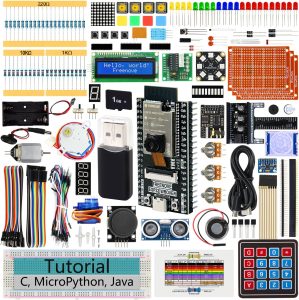
Freenove ESP32 Kit Dev CAM Board Ul…
From the brand Freenove Products Starter Kits, Robot Kits, Boards and Accessories for mainstream controllers For…
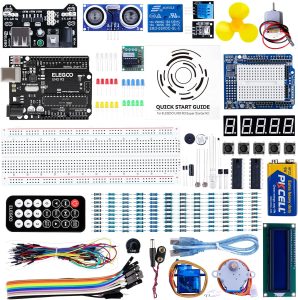
ELEGOO UNO R3 Project Super Starter…
From the brand ELEGOO STEM kits provide all the necessary components, sensors, wires, and boards for…
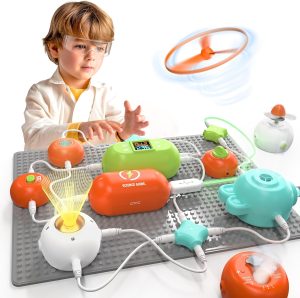
SMILESSKIDDO Science Kits Electroni…
From the brand Teach Your Kids More Knowledge Through Meaningful Play – SmilessKiddo aims to build…
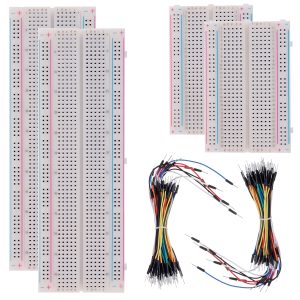
BOJACK 3 Values 130 Pcs Solderless …
BOJACK high quality Solderless Breadboard Assortment KitFeatures:The breadboard and jumper wires kit is ideal for setting…
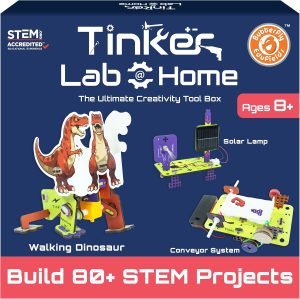
Butterfly EduFields 70+ STEM Roboti…
From the brand Best Sellers Science Kits – New Launches STEM Kit For Kids Ages 8-15…