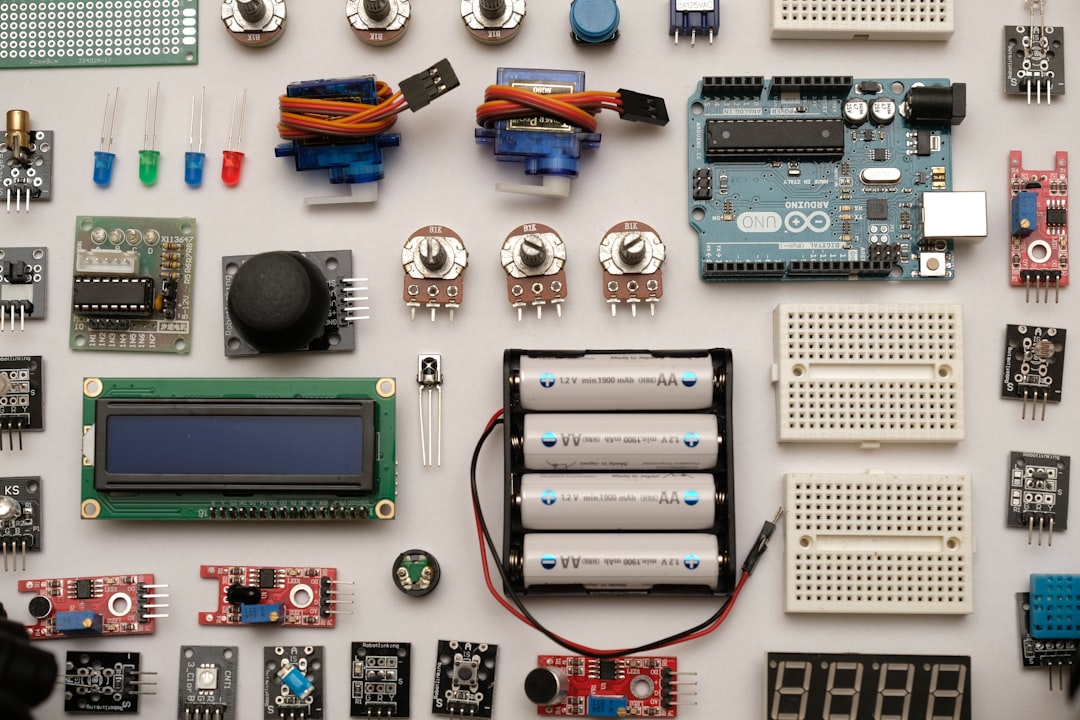
A Beginner’s Guide to Circuit Kits and Electronics Learning
Getting started with electronics is easier than most people think. Circuit kits remove the friction of sourcing individual parts and provide structured learning paths that build understanding through hands-on projects.
This guide breaks down the types of kits, what to look for, a first-project plan, common pitfalls, and next steps so you can pick the right kit and make measurable progress without wasting time or money.
Why start with circuit kits?
Circuit kits are designed to teach core concepts—voltage, current, resistance, components, and basic troubleshooting—through projects rather than abstract theory. For learners who prefer doing over reading, kits like the SMILESSKIDDO Science Kits Electronics STEM Kit provide dozens to hundreds of guided experiments that scale from simple LED circuits to logic-based projects.
Types of beginner-friendly kits
Not every kit teaches the same skills. Broad categories include component-based electronics kits, microcontroller starter kits, single-board computer kits, and STEM project bundles. If your goal is to learn programming and control logic together with electronics, browsing a range of Microcontroller Starter Kits will show options based on Arduino, ESP32, or similar boards with sensors and actuators included.
Microcontrollers vs. Raspberry Pi: what to pick first
Microcontrollers (Arduino, ESP32) are ideal for learning embedded control, low-power sensors, and real-time response. Single-board computers (Raspberry Pi) are better when you need a full OS, multimedia, or heavy computation. If you plan to combine coding with electronics experiments on a Linux-like platform, consider exploring Raspberry Pi Starter Kits that include power supplies, cases, and basic add-ons to get you prototyping faster.
Choosing an Arduino-style starter kit
For many beginners, an Arduino-style kit is the most practical first purchase: low cost, large community, many tutorials. When evaluating a kit, check that it contains a genuine-compatible Uno-style board, a clear tutorial book or PDF, a variety of sensors/actuators, and sample projects that match your interests (LEDs, motors, temperature, displays). A well-regarded example is the ELEGOO UNO R3 Project Super Starter Kit, which balances parts diversity with step-by-step guidance for absolute beginners.
Essential breadboarding and solder-free work
Before soldering, practice with a solderless breadboard to iterate quickly. Good kits include breadboards, jumper wires, resistors, capacitors, and connectors. Organized breadboard kits such as the BOJACK 3 Values 130 Pcs Solderless Breadboard accessory packs make it convenient to prototype multiple circuits without wear on components or the risk of cold solder joints while you learn.
Beyond basics: adding cameras, Wi‑Fi and AI peripherals
Once you’re comfortable with digital I/O and analog sensors, add modules like Wi‑Fi, Bluetooth, cameras, and real-time clocks. These expand project scope to IoT, streaming, and computer vision. A compact, capable option for intermediate learners is the Freenove ESP32 Kit Dev CAM Board, which includes onboard Wi‑Fi and a camera for networking and vision experiments.
Where to go next: industrial and robotics applications
As projects grow in complexity, consider kits that bridge hobbyist learning with industrial or robotics concepts. If you’re interested in automation, PLC-style controllers and cloud integration teach architectures used in manufacturing. Look into the Arduino PLC Starter Kit to learn industrial I/O patterns, and explore category-level robotics kits later for mechanical integration.
Expanding into robotics and advanced builds
Robotics combines mechanics, electronics, and software. When you’re ready, transition to more complex building kits to learn servos, motor drivers, sensor fusion, and control loops. Browse curated collections under Adult Robotics Kits to find projects that teach structured assembly and higher-level programming while still offering good documentation for self-learners.
Getting the most from a kit: a short checklist
- Define your first goal: blink LEDs, read a sensor, run a motor, or connect to Wi‑Fi.
- Choose a kit with clear tutorials for that goal (look for PDFs or online guides).
- Ensure the kit includes a breadboard, jumper wires, and basic passive components.
- Start with solderless prototyping before moving to permanent soldered builds.
- Practice version control and note-taking: record wiring, code versions, and test results.
- Join a community forum or follow project tutorials to accelerate troubleshooting.
Common mistakes and how to avoid them
Beginners often make predictable errors: miswiring power rails, omitting resistors for LEDs, confusing analog/digital pins, or using incorrect voltage for peripherals. Prevent these by always checking pinouts against the board’s silkscreen, powering circuits with a multimeter verification step, and following small incremental tests instead of wiring a full project at once.
FAQ
- Q: Which kit is best to learn programming and hardware together?
A: Microcontroller starter kits are the fastest route to combined learning; they teach wiring and code deployment in the same workflow. - Q: Do I need to solder to learn electronics?
A: No. Use solderless breadboards and jumper wires for learning. Soldering can come later for permanent assemblies. - Q: How much should I spend on my first kit?
A: A reasonable starter kit ranges from very affordable to mid-range; prioritize clear documentation and community support over the lowest price. - Q: How do I choose between Arduino, ESP32, or Raspberry Pi?
A: Choose Arduino/ESP32 for embedded control and low power; pick Raspberry Pi when you need a full OS or heavy computation like machine learning. - Q: Can I reuse parts between kits?
A: Yes. Components like resistors, LEDs, sensors, and breadboards are reusable—buying quality parts increases long-term value.
Conclusion — a practical takeaway
Start small, pick a kit that matches your immediate goal (blinking LEDs, reading sensors, or building a Wi‑Fi project), and follow the included tutorials step by step. Use breadboarding to iterate quickly, escalate to soldered builds when confident, and choose a pathway—microcontrollers, Raspberry Pi, or robotics—that aligns with your interests. With a deliberate approach, a single well-chosen kit will provide months of learning and a clear foundation for more advanced projects.
Products Featured in This Article
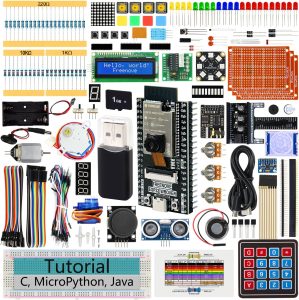
Freenove ESP32 Kit Dev CAM Board Ul…
From the brand Freenove Products Starter Kits, Robot Kits, Boards and Accessories for mainstream controllers For…
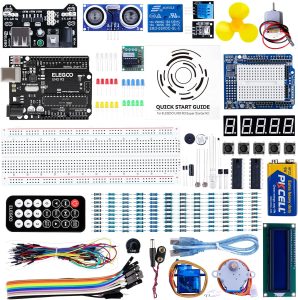
ELEGOO UNO R3 Project Super Starter…
From the brand ELEGOO STEM kits provide all the necessary components, sensors, wires, and boards for…
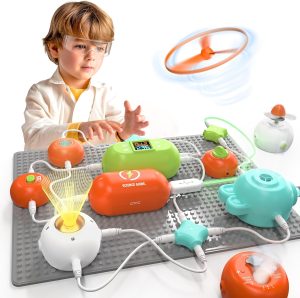
SMILESSKIDDO Science Kits Electroni…
From the brand Teach Your Kids More Knowledge Through Meaningful Play – SmilessKiddo aims to build…
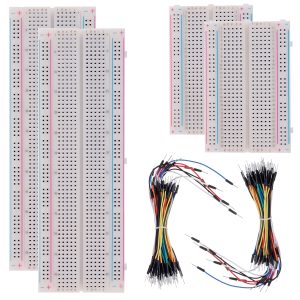
BOJACK 3 Values 130 Pcs Solderless …
BOJACK high quality Solderless Breadboard Assortment KitFeatures:The breadboard and jumper wires kit is ideal for setting…
![Arduino PLC Starter Kit [AKX00051] ...](https://stemparade.com/wp-content/uploads/2026/09/61eRpzT-YnL._AC_SL1000_-300x213.jpg)
Arduino PLC Starter Kit [AKX00051] …
From the brand Coming soon… Imagine, build, innovate Empower and support students Scale projects with precision…